> For the complete documentation index, see [llms.txt](https://paytime.gitbook.io/paytime-documentation/llms.txt). Markdown versions of documentation pages are available by appending `.md` to page URLs; this page is available as [Markdown](https://paytime.gitbook.io/paytime-documentation/application-mobile/menu.md).
# Menu
Pour accéder au menu appuyez sur cette icône:
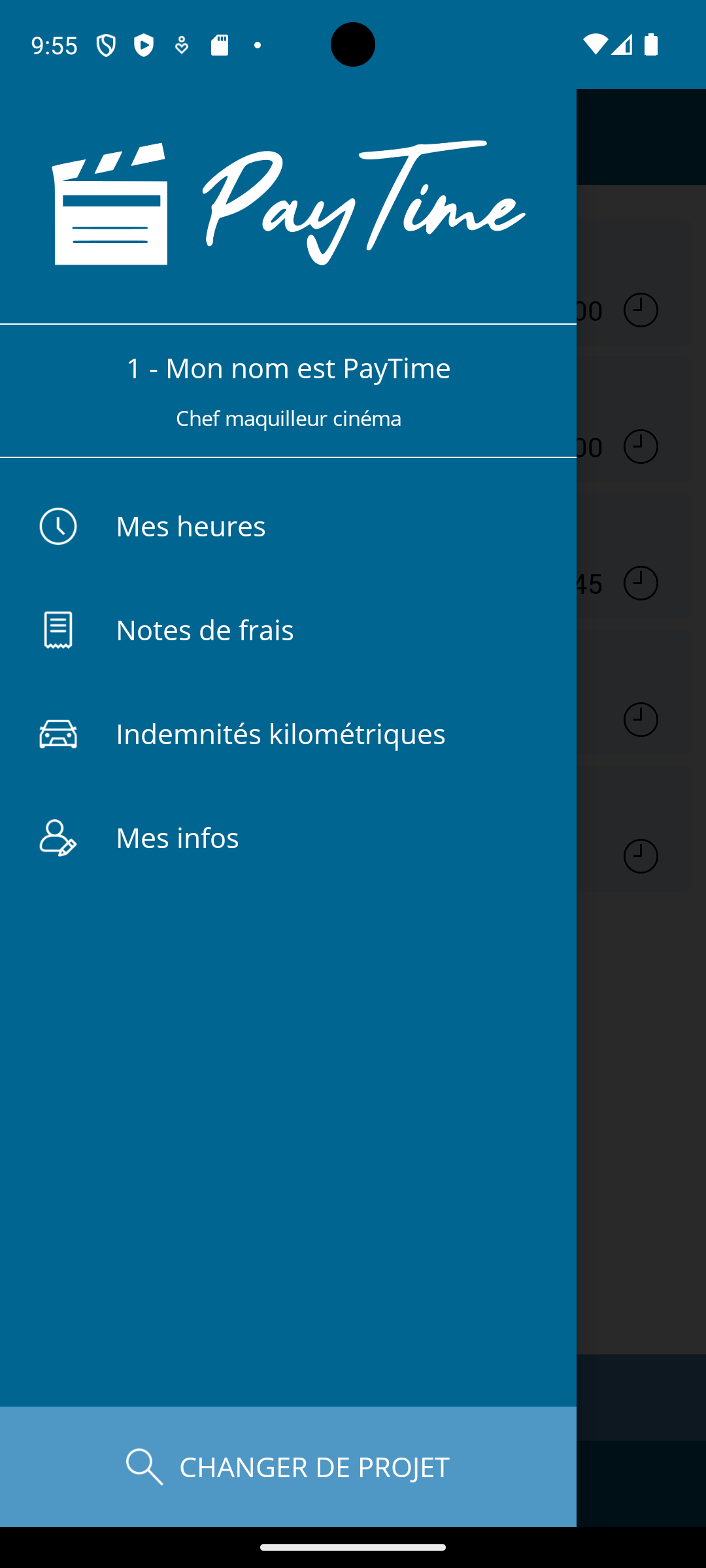
Une fois le menu ouvert, vous avez accès sous le logo PayTime au nom du projet en cours et à votre poste sur ce projet.
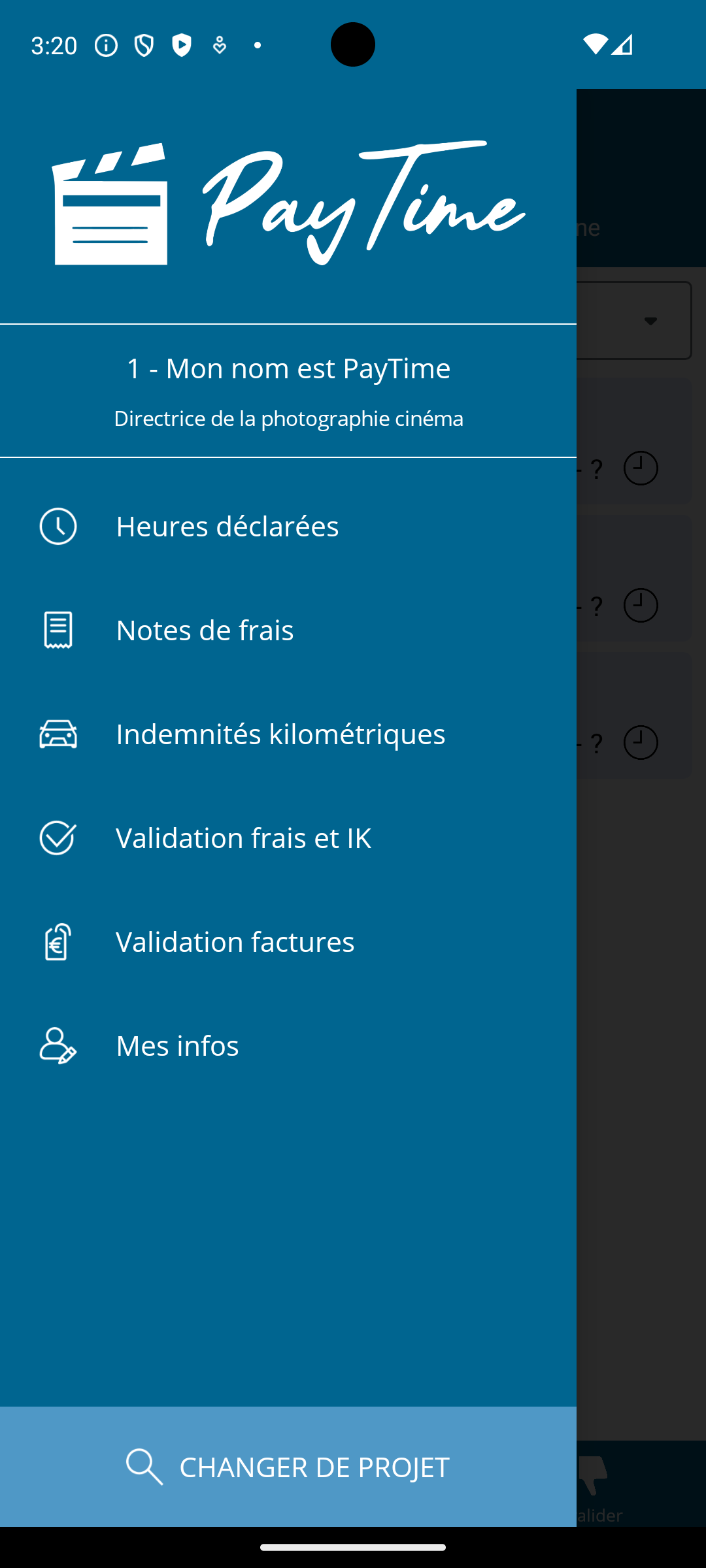
Vous avez ensuite accès aux différentes fonctionnalités, adaptées à votre profil et à vos droits.
{% hint style="success" %}
Au bas de l'écran, appuyez sur "Changer de projet" pour basculer sur un autre projet ou pour ajouter / supprimer un nouveau projet.
{% endhint %}
Exemple de menu pour un chef d'équipe: